
Your email address is also your login, so keep it current. You can change it from Settings.
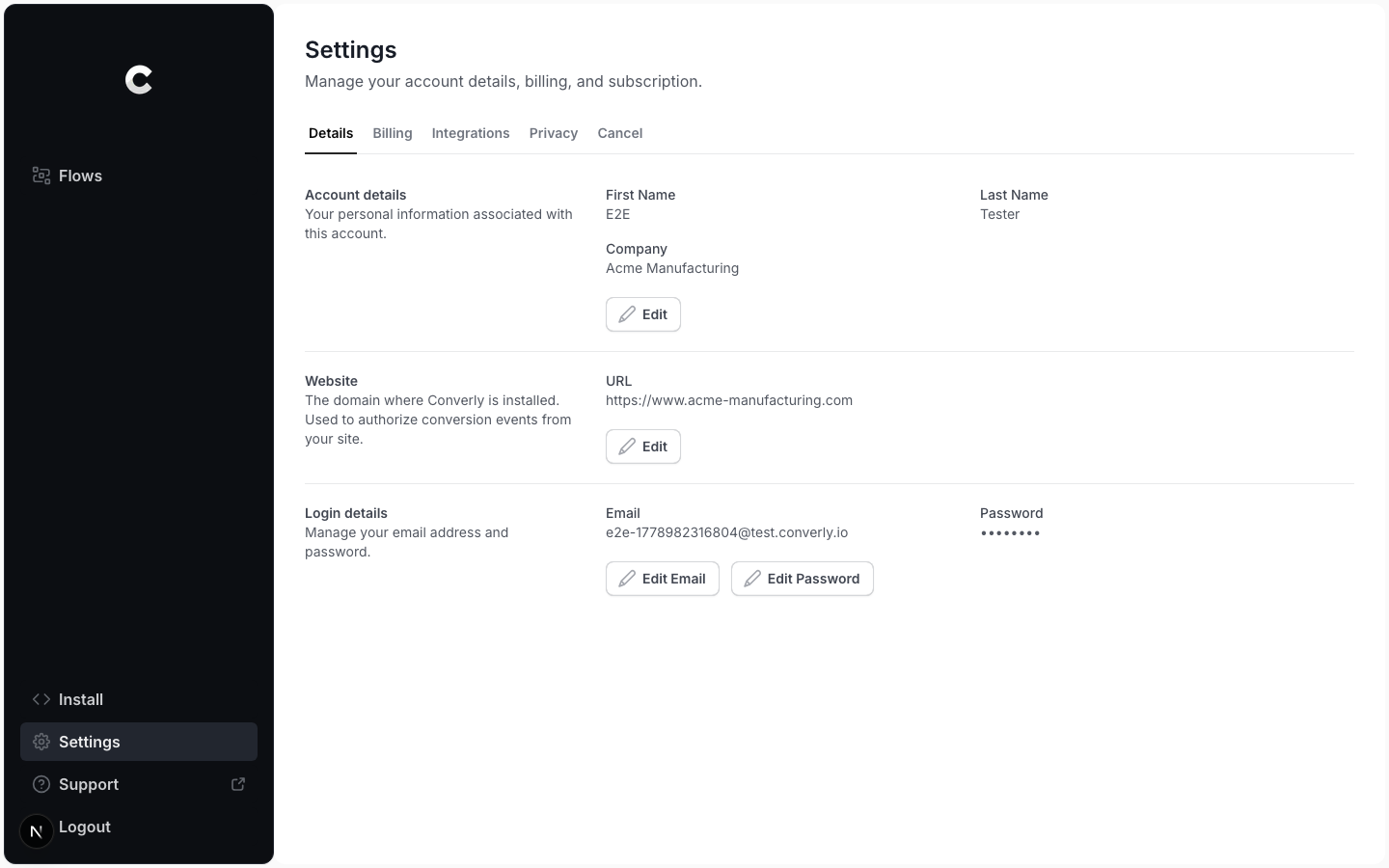
Step 1: Open Settings
Click Settings in the left sidebar. On the Details tab, scroll to the Login details section. It shows your current email and password.
Step 2: Edit your email
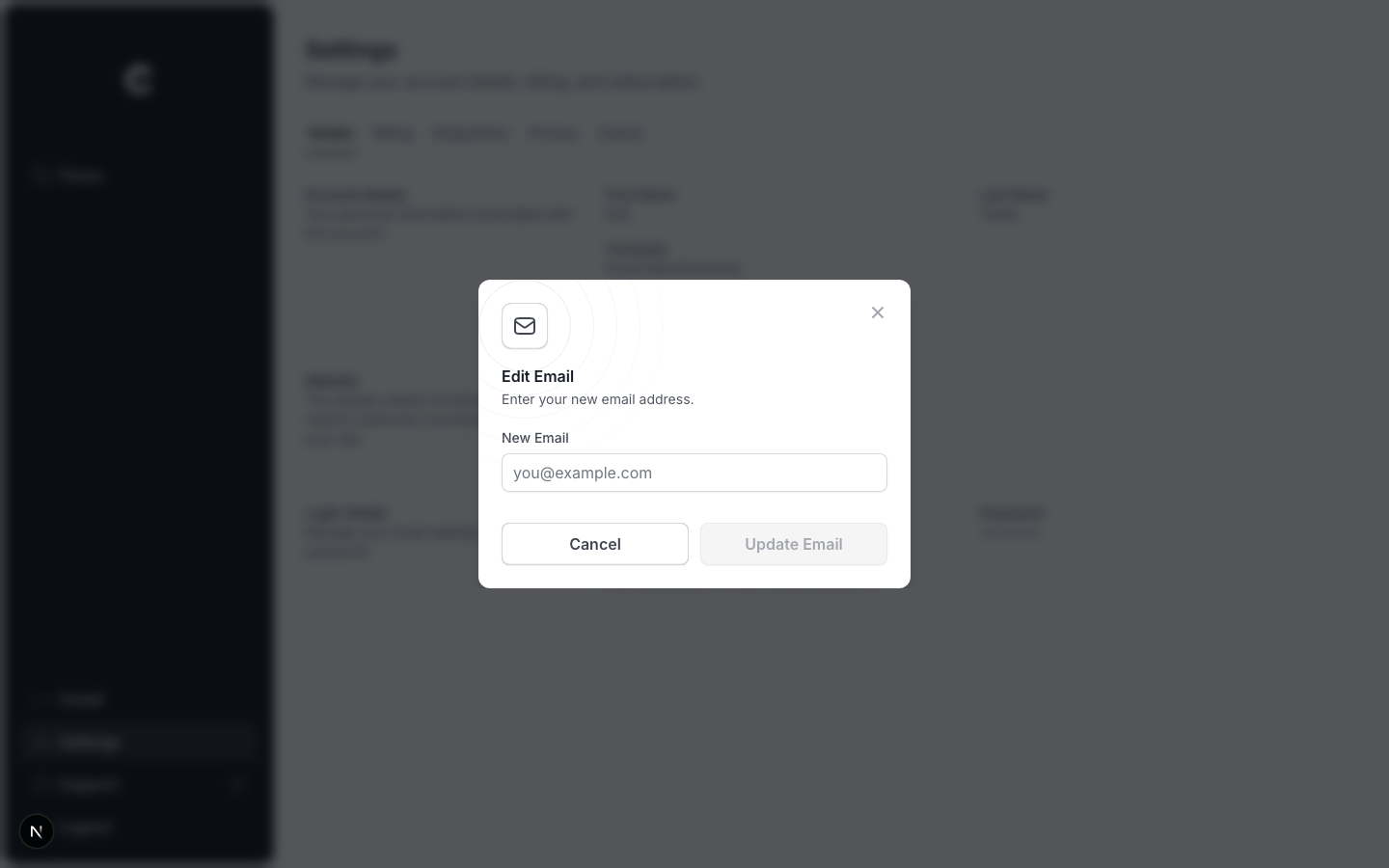
Click Edit Email. A window opens with a single field for your new email address. Enter it, then click Update Email.
This is your login
After you change it, use the new email address the next time you sign in. You may be asked to verify the new address before the change takes full effect.