
Converly only accepts conversions from the website domain on your account. If your site moves to a new domain, update it here.
Step 1: Open Settings
Click Settings in the left sidebar. On the Details tab, find the Website section. It shows the domain Converly is currently installed on.
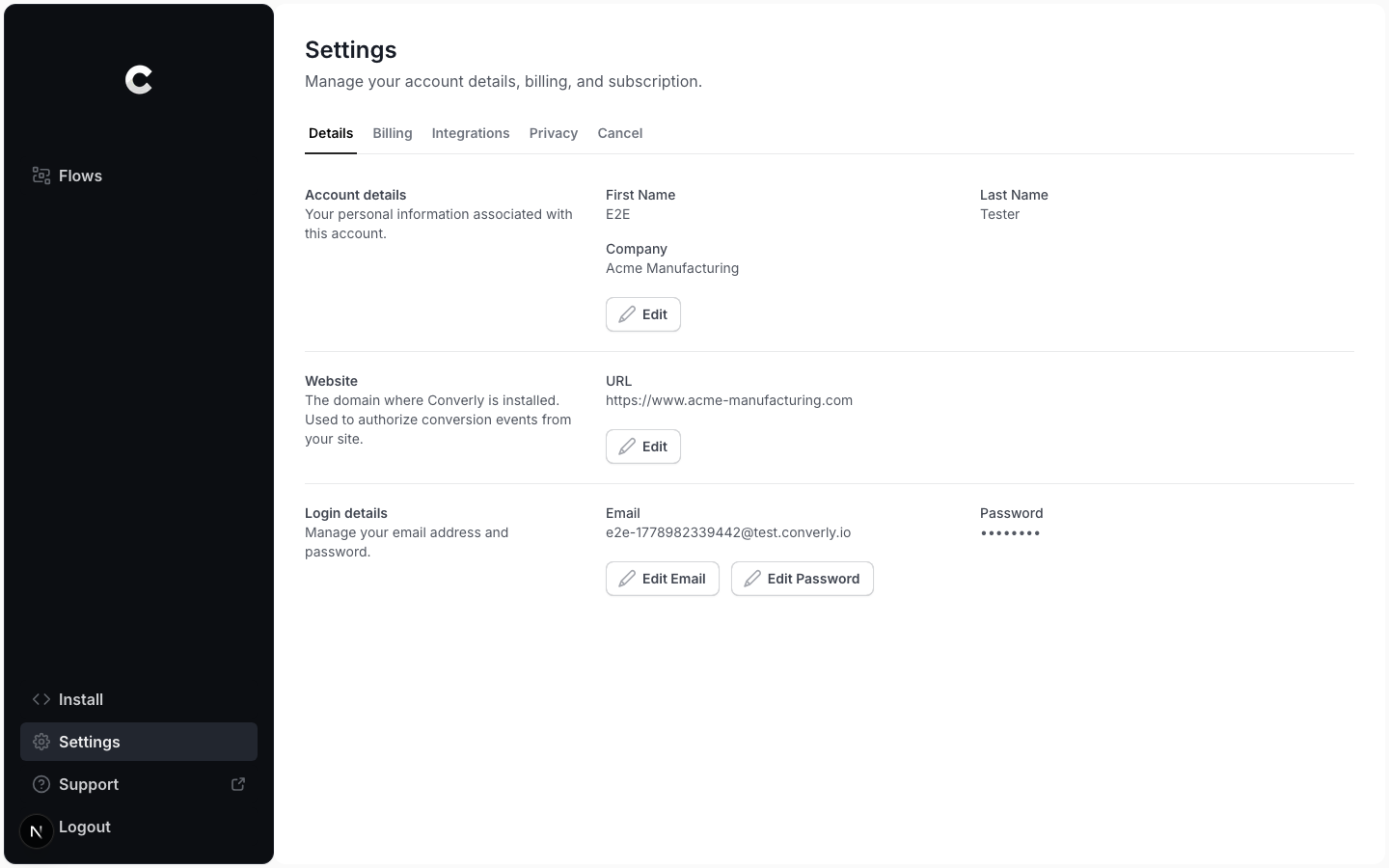
Step 2: Edit your website
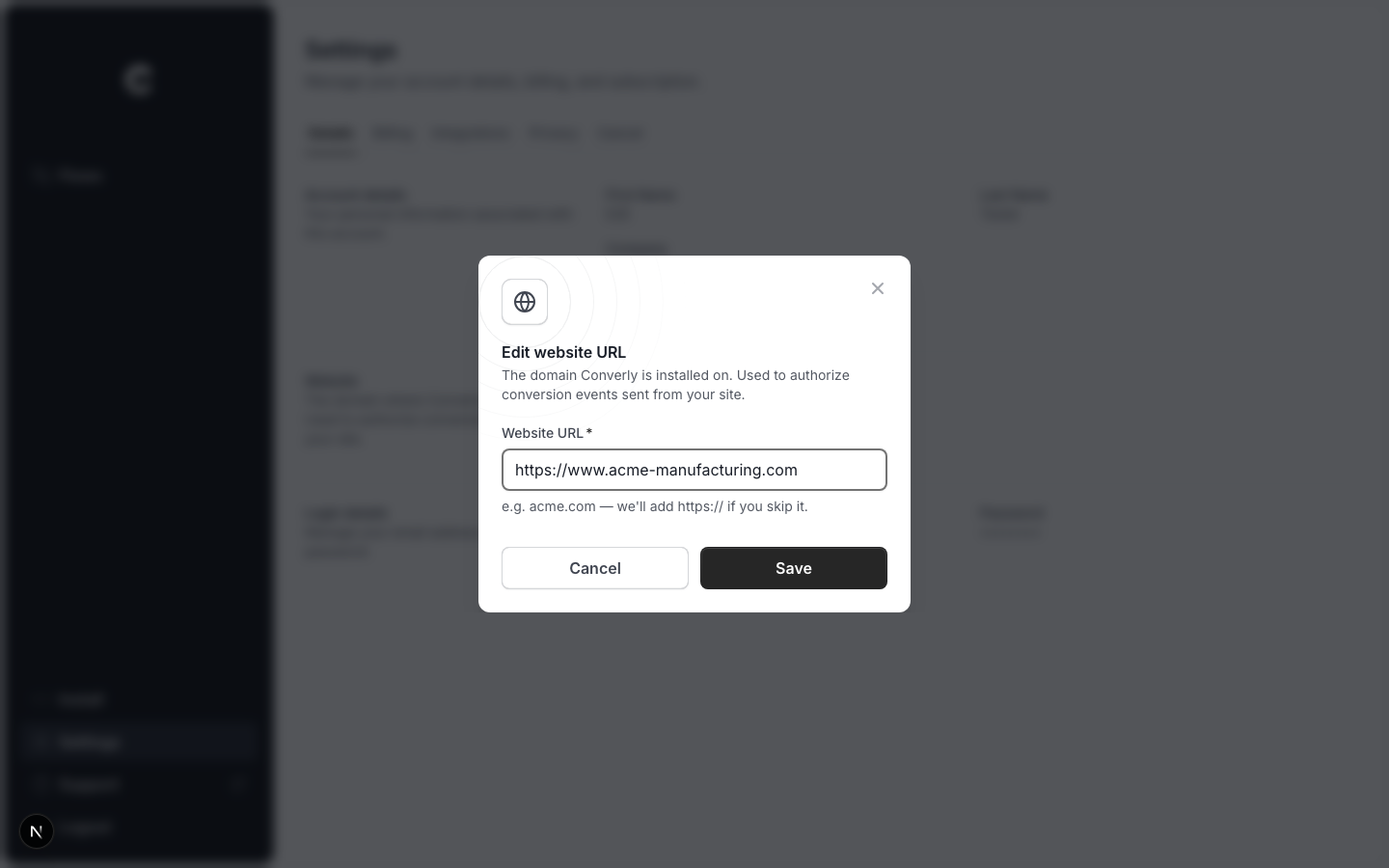
Click Edit. A window opens with your website URL. Enter the new domain and click Save. You can type just acme.com; Converly adds https:// for you.
Install Converly on the new domain
Converly only authorizes conversions coming from the domain set here. After you change it, make sure the Converly code is installed on the new domain, or conversions from it will not be tracked.