
Netlify Forms collects submissions from forms on your Netlify-hosted website. This guide counts submissions when visitors reach your own thank-you page after submitting.
There is no account to connect. To set it up, follow the instructions below:
Before you start: Enable form detection for your Netlify project, and give each form a name, such as name="contact". Netlify needs the name to detect the form. Install the same Converly code on both the page containing the form and your custom thank-you page. Follow Install Converly for the normal website code.
A custom thank-you page is required. Set the form's action, the address where it sends submissions, to a separate page on the same website. For example, use action="/thanks" for a thank-you page at /thanks. The form must use method="POST" and open that page in the same tab. Ask the person who manages your website to make this change if needed.
Netlify's default success page is not covered. AJAX forms, which send answers in the background without a normal page load, are not covered either. A thank-you page on another website, a new-tab submission or a form embedded from another website is outside this setup.
Step 1: Create a flow
A flow is the rule that turns a form submission into a conversion. Click Flows in the left sidebar, then Create New Flow, and give it a name like "Contact form leads".
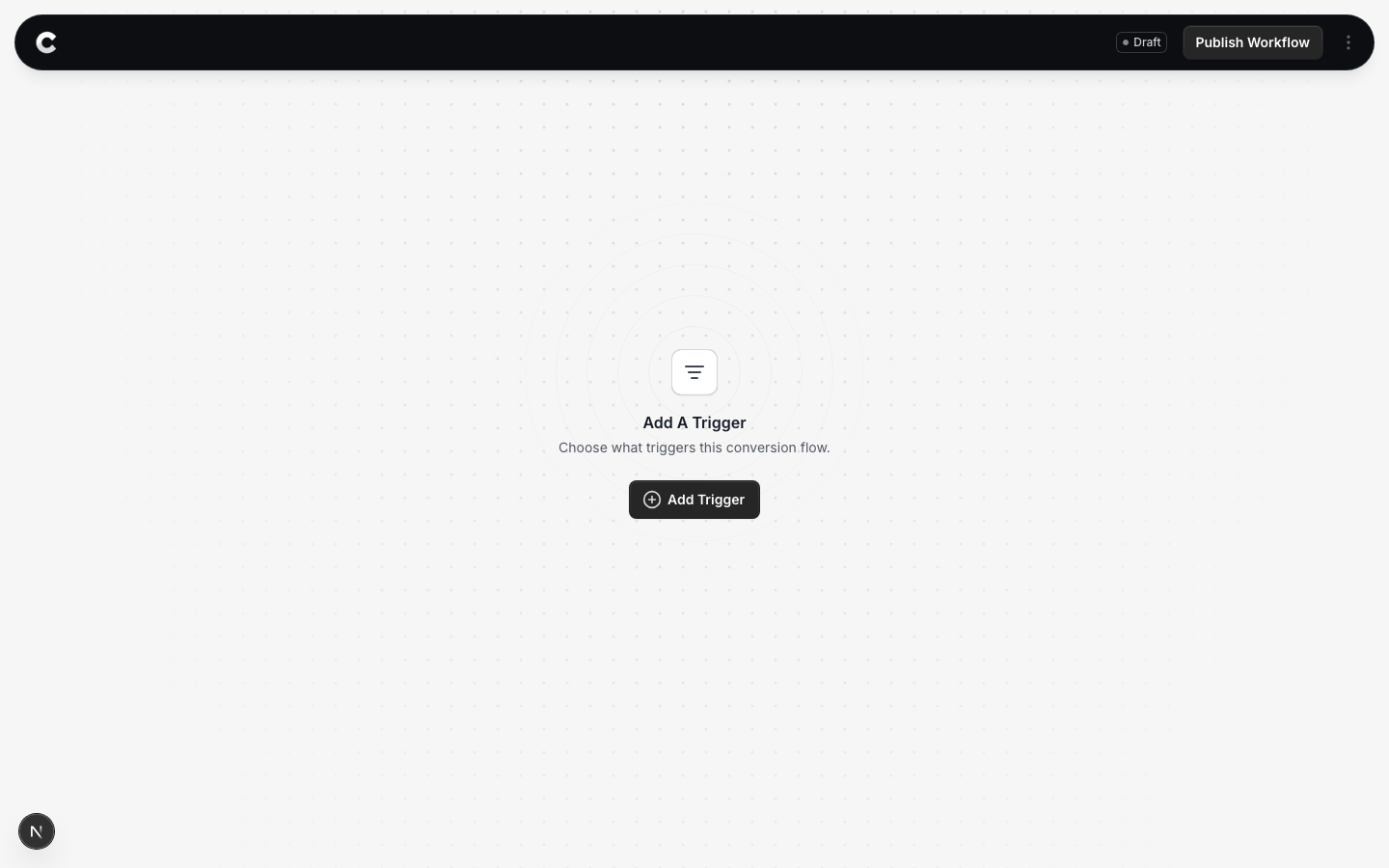
You land in the flow builder. It is empty for now. Click Add Trigger to choose what starts this flow.
Step 2: Choose Netlify
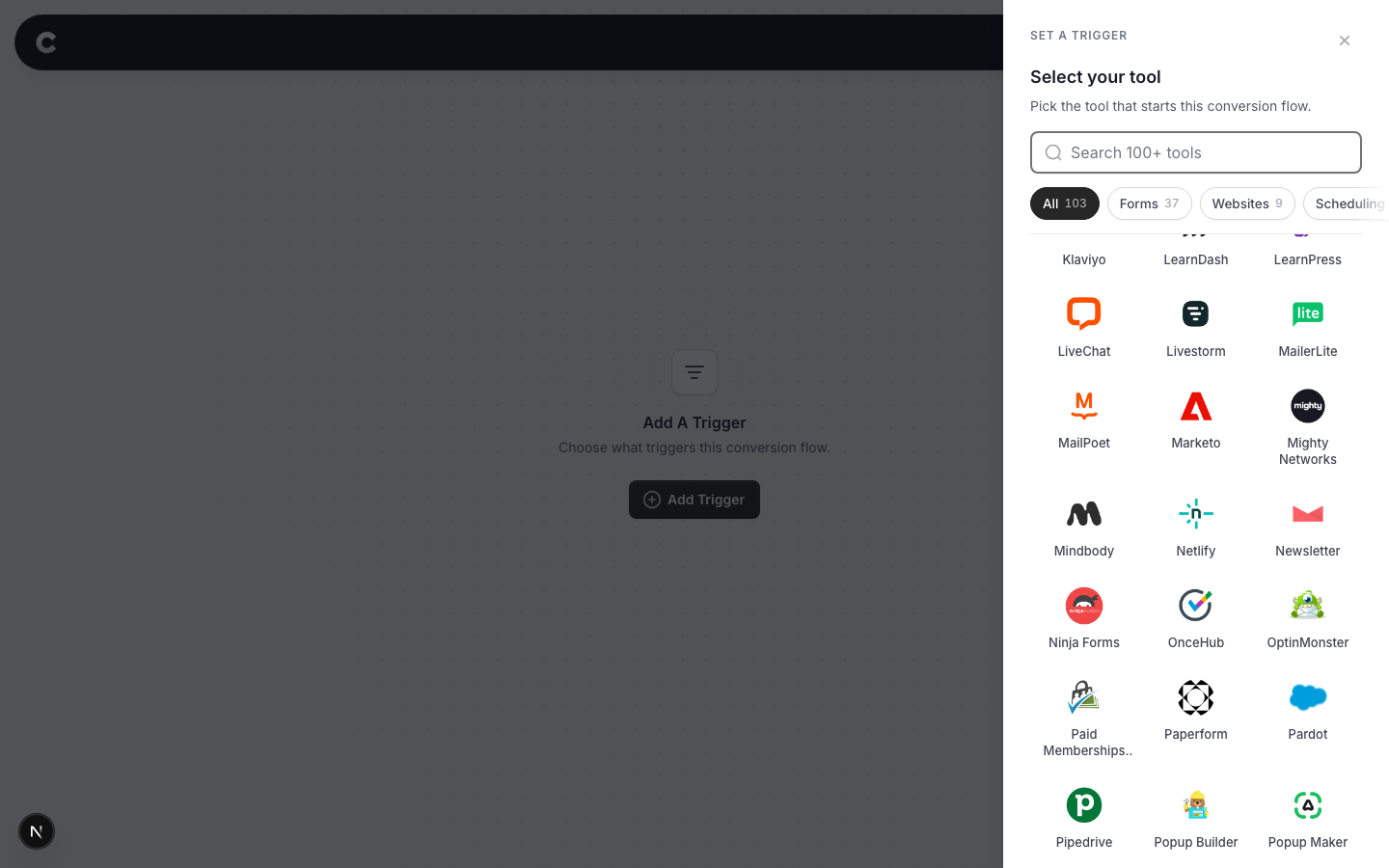
A panel slides in from the right listing every lead capture tool Converly supports, grouped by type.
Click Netlify. If you do not see it straight away, scroll the panel or use the search box at the top.
Step 3: Choose where it fires
The page setting selects the original page containing your Netlify form, even though Converly confirms the conversion on the thank-you page.
Read this before you choose
Without a specific page, every supported Netlify form on your site can count as the same conversion. If you only want your contact form, choose its page before publishing.
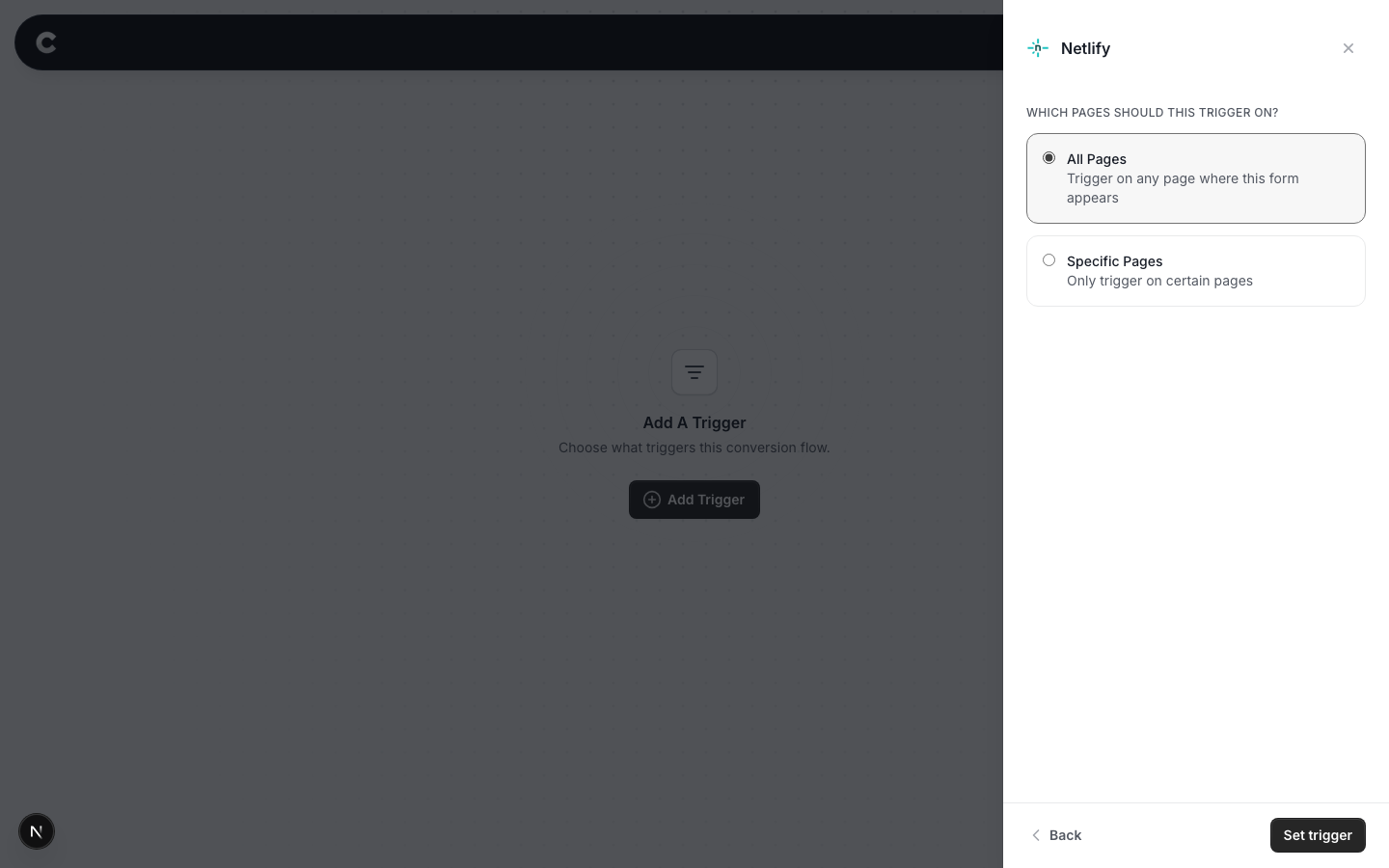
Option 1: Trigger on all pages
A conversion fires when any supported Netlify form submission reaches its matching custom thank-you page. Choose this if all those forms should count together.
Option 2: Trigger on specific pages
To count your form on https://www.yoursite.com/contact-us, select Specific Pages and enter /contact-us. The path is the part after your domain. Start it with a slash, and leave out the domain.
Use the original form page, not /thanks. Converly still needs to be installed on the thank-you page to complete the check.
Click Add another page if you want to include more than one page, or the x to remove one.
If two Netlify forms share one page
Page filtering includes both forms, so both count as this conversion. To count only one, put it on its own page, or contact support before publishing.
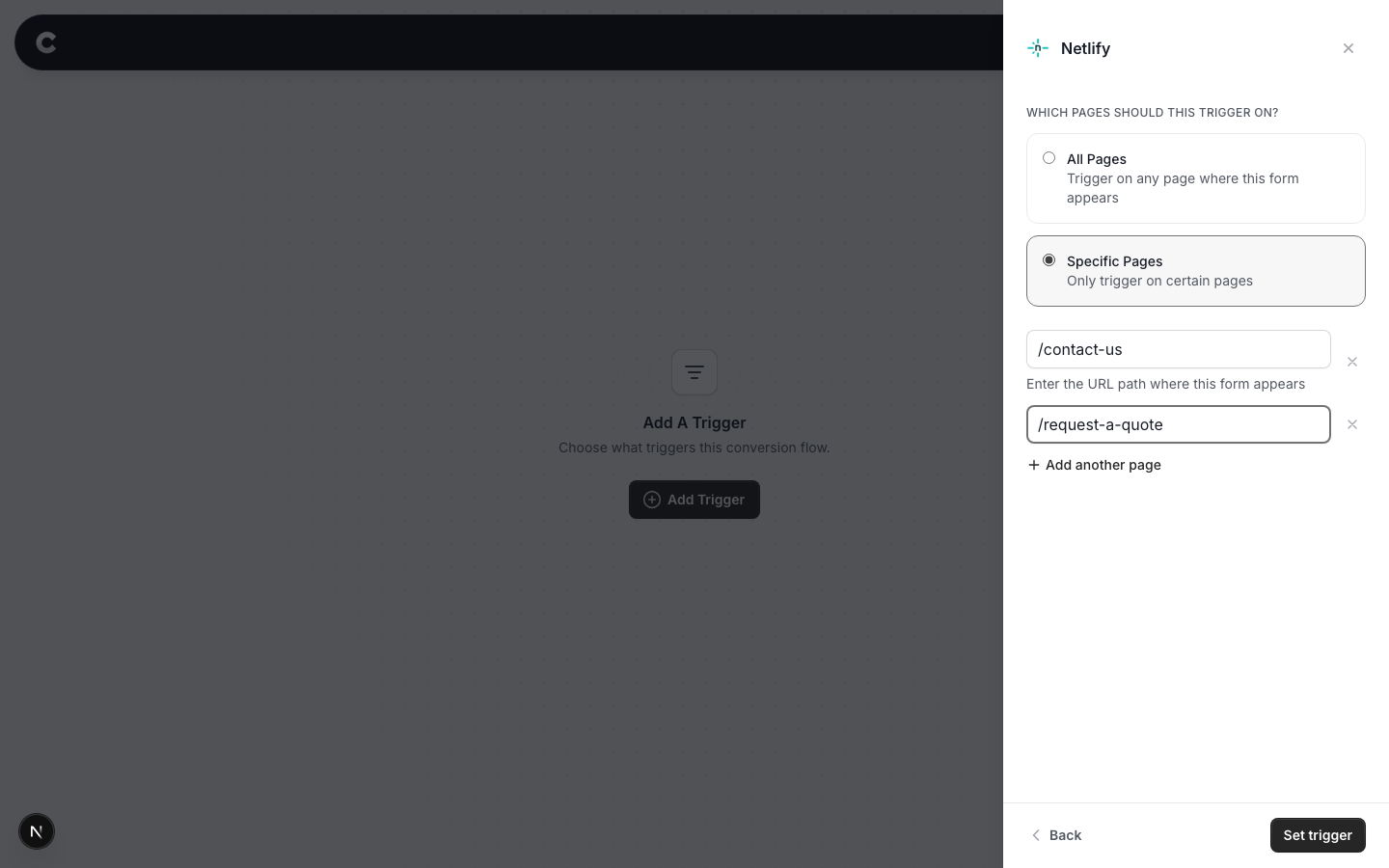
When you have picked an option, click Set trigger.
What happens next
A trigger on its own does not send anything yet. Next you add one or more destinations (Google Ads, Meta, and so on) and publish the flow. See Building a flow for that part.
Converly saves supported contact details at submission and counts when the matching thank-you page loads within 2 minutes. No extra marker or contact details are needed in the thank-you address. A submission that Netlify files as spam still counts if Netlify shows the visitor success.
There is a limit to this arrival check. If a submission fails to reach the thank-you page, an ordinary visit within 2 minutes can still count if the destination address and the details of how the visitor arrived match the pending submission.
In Safari, the risk of counting an error page is narrow but not zero. It would require an error page to run Converly at the exact expected thank-you address. The tested Netlify failure pages did not do this, but a different hosting setup or future change could.
That's it! The final step is to test your setup in a new incognito window. Submit the actual form with a real email address and wait for your custom thank-you page. Then click Logs in Converly's left sidebar and check the destination results. Simply opening the thank-you page is not a valid submission test. You can read more about how to properly test your setup here.
If submissions are not showing up later, check Netlify form detection, the code on both pages, and the form's success address. The loaded address must match the form action, including any .html ending or text after a question mark. Also check your original form-page filter, form name, browser storage and that the flow is Active rather than Draft.