
AdRoll is an advertising platform best known for retargeting, showing your ads to people who have already visited your website.
Converly can work with the AdRoll pixel on your website to record the people who submit your forms into an AdRoll audience segment, with the conversion value attached. That gives you a clean audience of actual leads to retarget or exclude, rather than just page visitors.
To set it up, follow the instructions below:
Before you start: you need a flow with a trigger already set up (see Building a flow), and the AdRoll pixel needs to be installed on your website. Converly fires into the pixel already running on your page. It does not install the pixel for you.
Step 1: Add an action
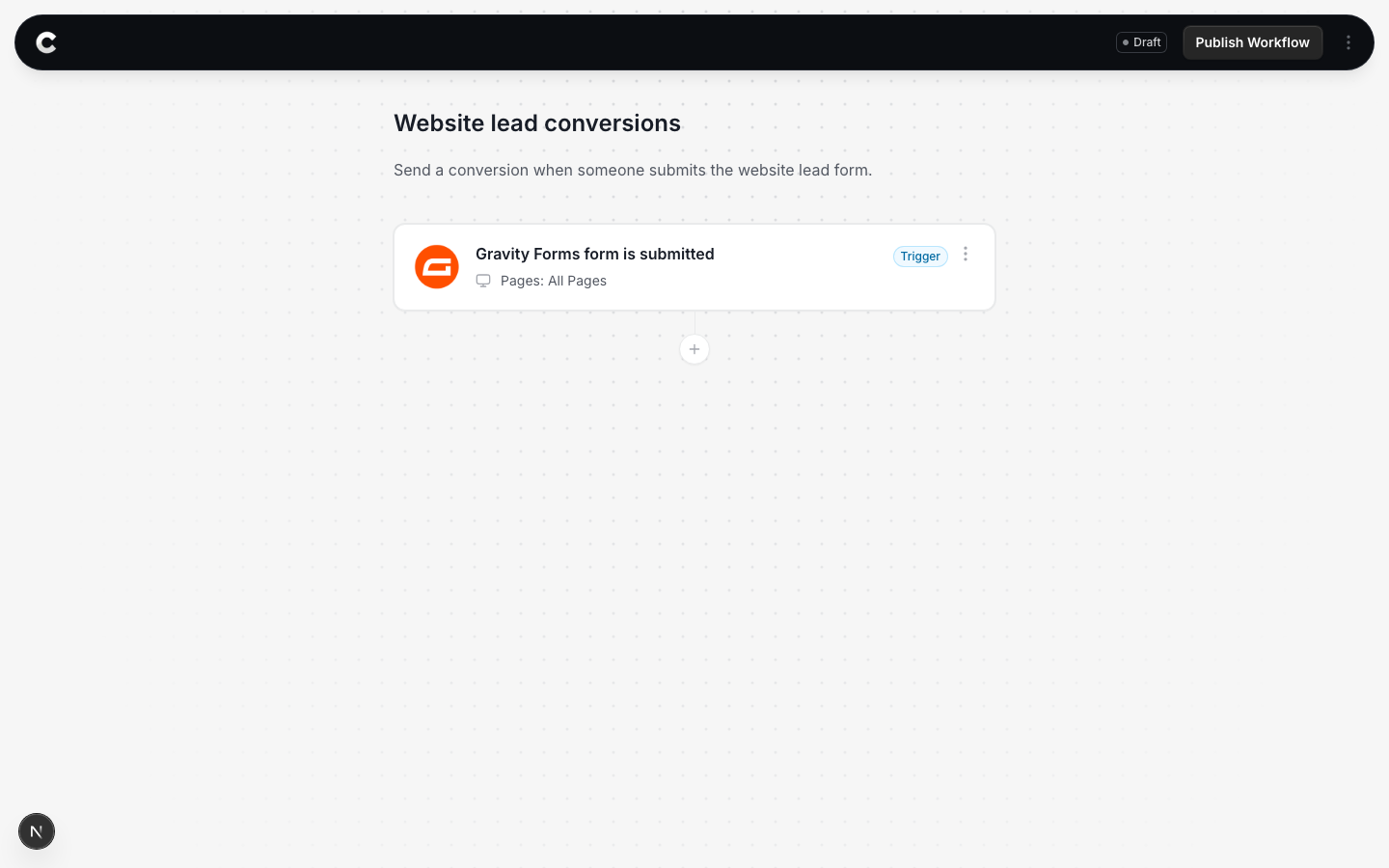
Open the flow with your trigger. Below the trigger card there is a + button. Click it to add an action.
Step 2: Choose AdRoll
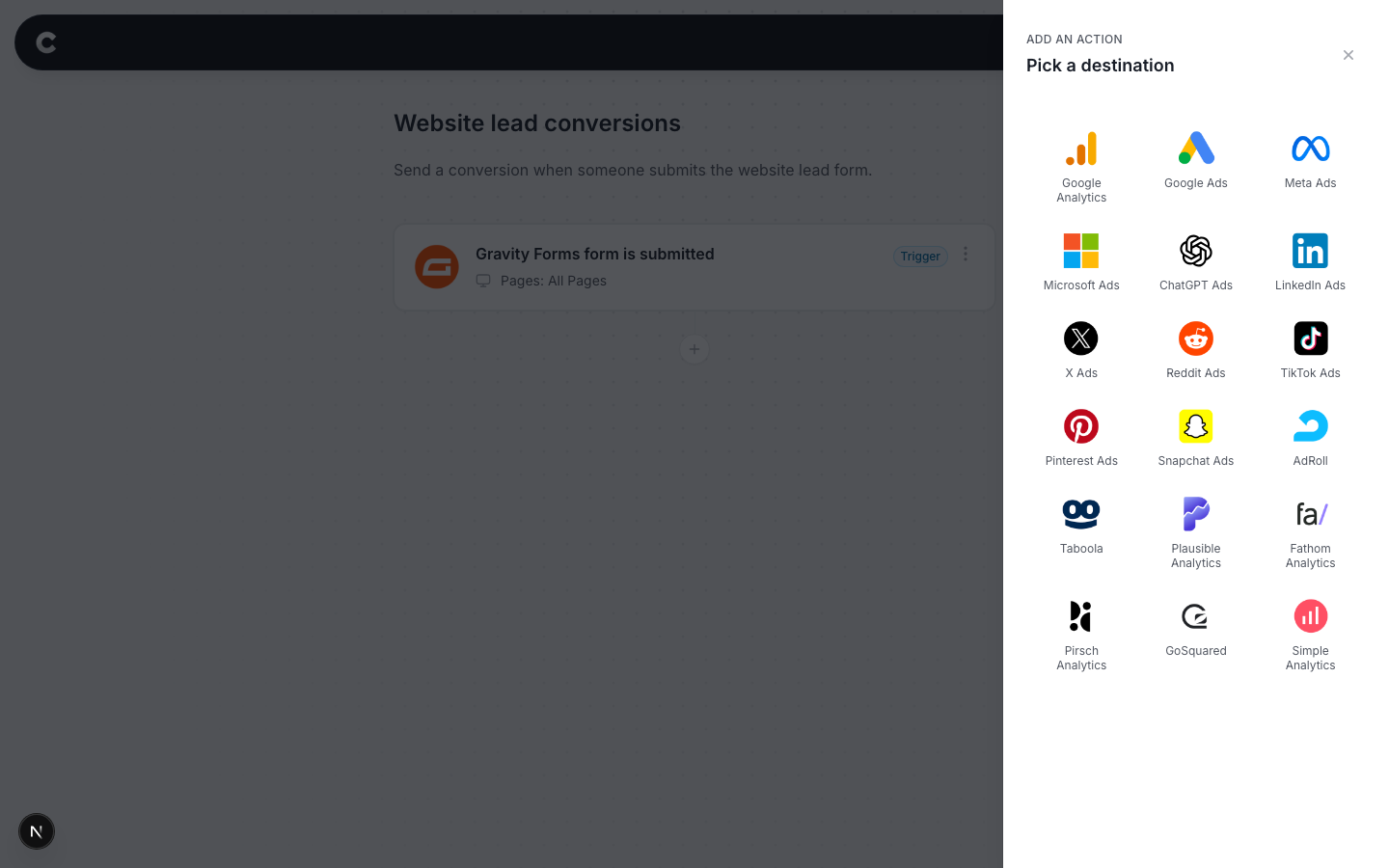
A panel slides in from the right listing every destination Converly can send to. Click AdRoll.
Step 3: Configure the segment
The next step is to tell Converly which AdRoll segment to record people into. It should look something like this:
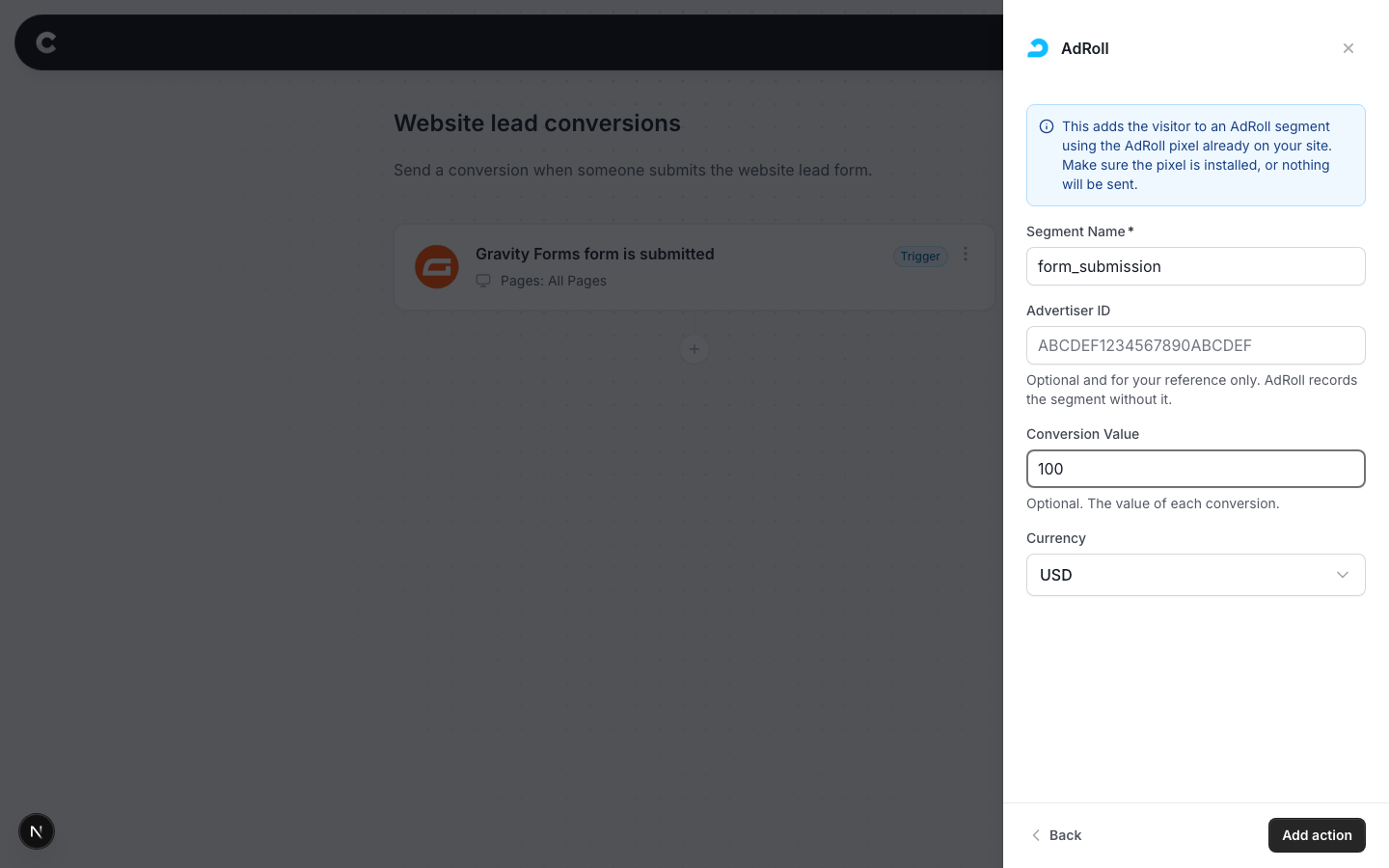
- Segment Name = the segment code from your AdRoll audience. In AdRoll, create (or open) the audience you want your form submitters recorded into, and copy the segment value from its setup.
- Advertiser ID = optional and for your reference only. AdRoll records the segment without it.
- Conversion Value = optional. What a conversion is worth to you, in normal dollars (100 means $100). Converly sends it to AdRoll in the format their pixel expects.
- Currency = the currency for that value.
Click Add action, then publish your flow.
Step 4: Test it works
That's it! You've set everything up!
The final step is to make sure everything is working. To do this, open a new incognito window and submit the form on your website that triggers your flow.
Then check 2 places:
- In Converly, click Logs in the left sidebar to open your conversion log. You should see the conversion with AdRoll marked as fired.
- In AdRoll, open the audience you connected. Audience sizes update on AdRoll's own schedule, so allow some time before expecting the count to move.
Conversion shows as Pixel not found in the conversion log?
That means either the AdRoll pixel was not on the page when the form was submitted, or no Segment Name was configured on the action. Converly still records the conversion for you, but nothing reaches AdRoll until both are in place.