
If a visitor asks you to delete their data (a GDPR right-to-erasure request, for example), you can remove their submission history from your Converly logs in a few seconds.
Step 1: Open the Privacy tab
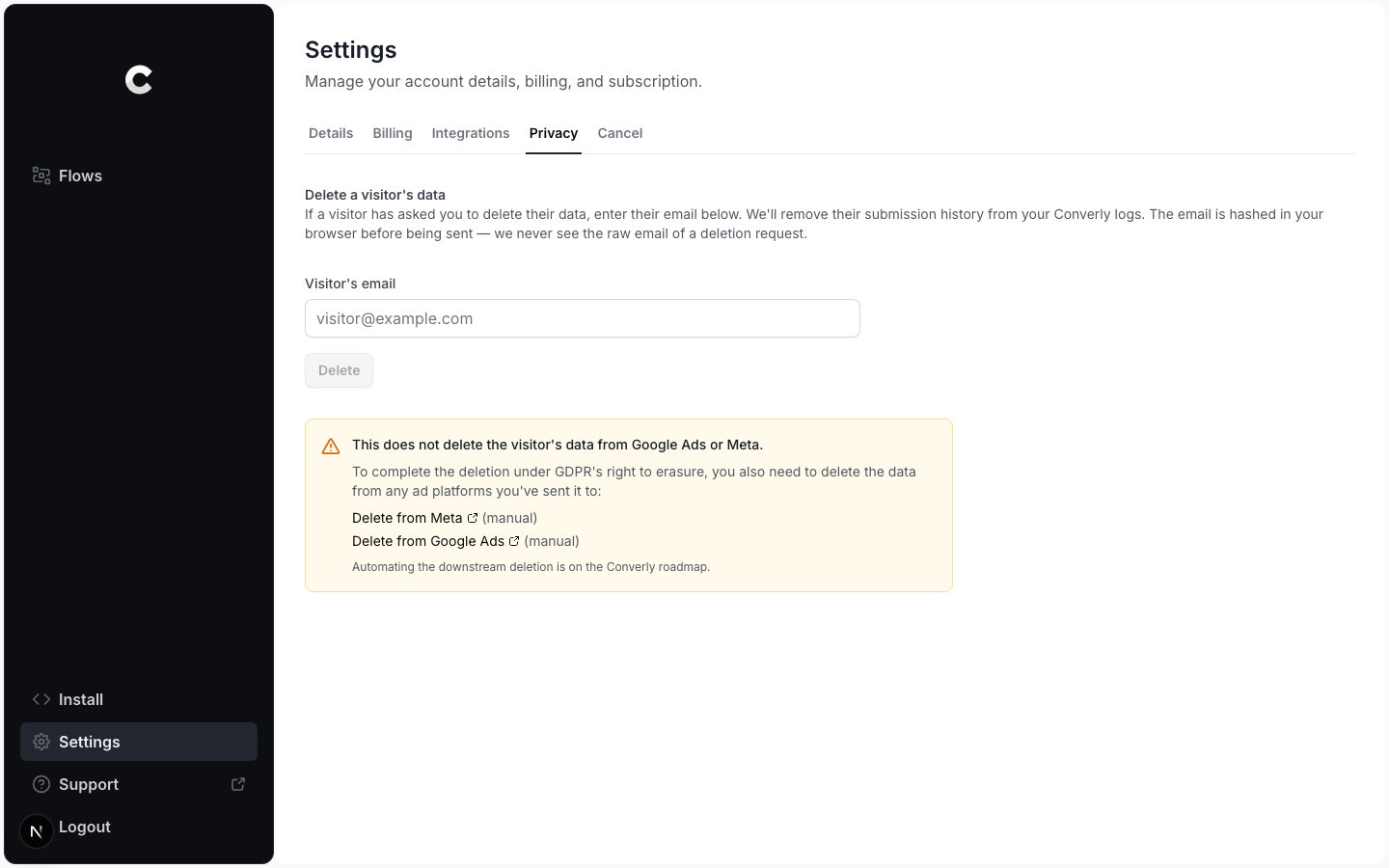
Click Settings in the left sidebar, then open the Privacy tab. Enter the visitor's email address in the box and click Delete. The email is hashed in your browser before it is sent, so Converly never sees the raw email of a deletion request.
Step 2: Confirmation
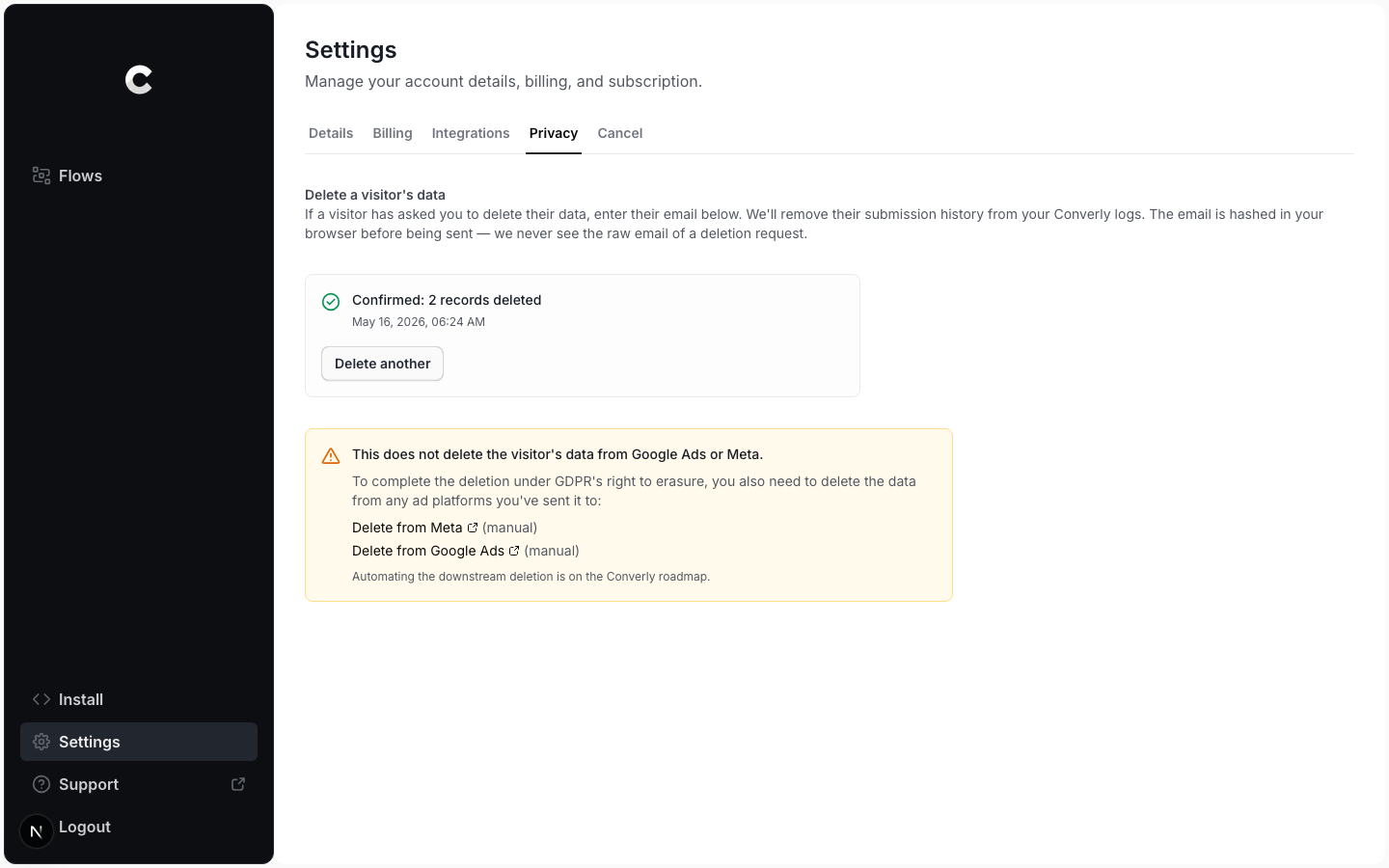
Converly confirms how many records were removed, with a timestamp you can quote back to the visitor. If no records matched, it tells you that too, which is still a useful confirmation to send.
This only clears Converly's logs
Deleting here removes the visitor from Converly only. It does not delete data you already sent to Google Ads or Meta. To fully honour the request, also delete it in those platforms. The confirmation screen links to the deletion page for each one.