
Typeform is a popular way to capture leads with conversational forms. If you run ads that send people to a Typeform, this guide turns every completed form into a conversion you can send to Google Ads, Meta, or anywhere else.
Before you start: you need admin access to your Typeform workspace, and Converly installed on your site.
Step 1: Create a flow
A flow is the rule that turns a Typeform submission into a conversion. Click Flows in the left sidebar, then Create New Flow, and give it a name like "Typeform leads".
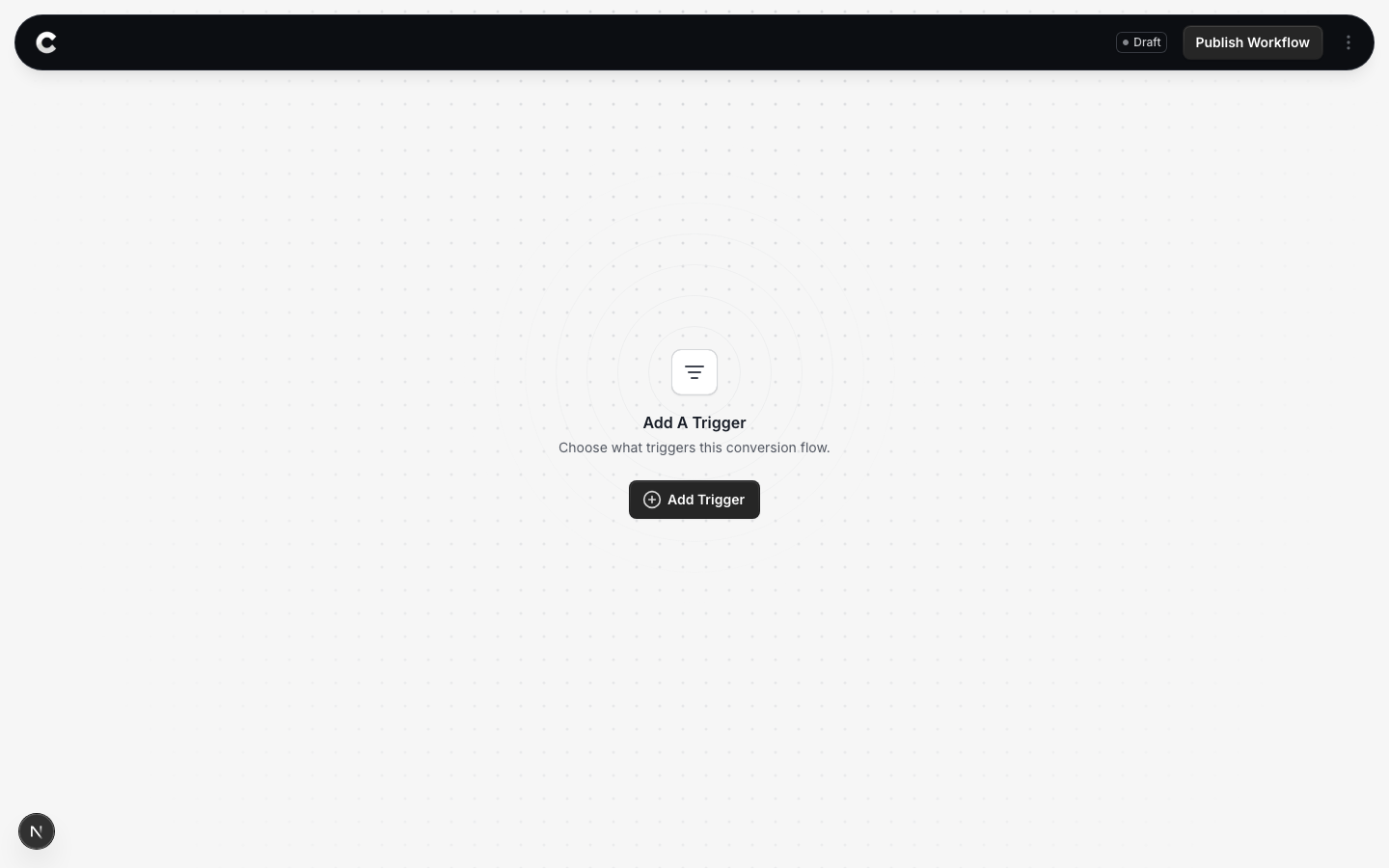
You land in the flow builder. It is empty for now. Click Add Trigger to choose what starts this flow.
Step 2: Choose Typeform
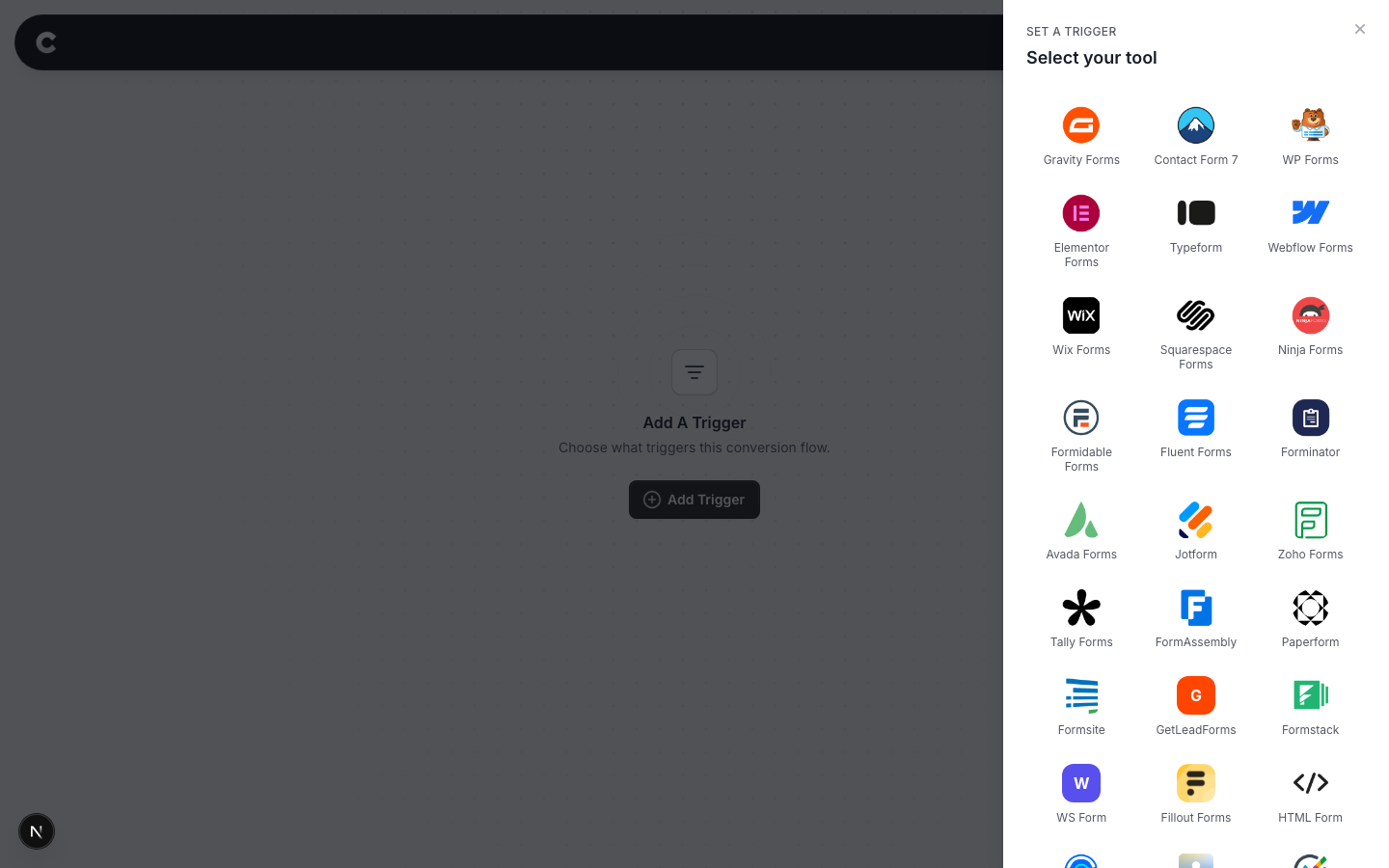
A panel slides in from the right listing every lead capture tool Converly supports, grouped by type. Typeform is under the form builders.
Click Typeform. If you do not see it straight away, scroll the panel or use the search box at the top.
Step 3: Connect your Typeform account
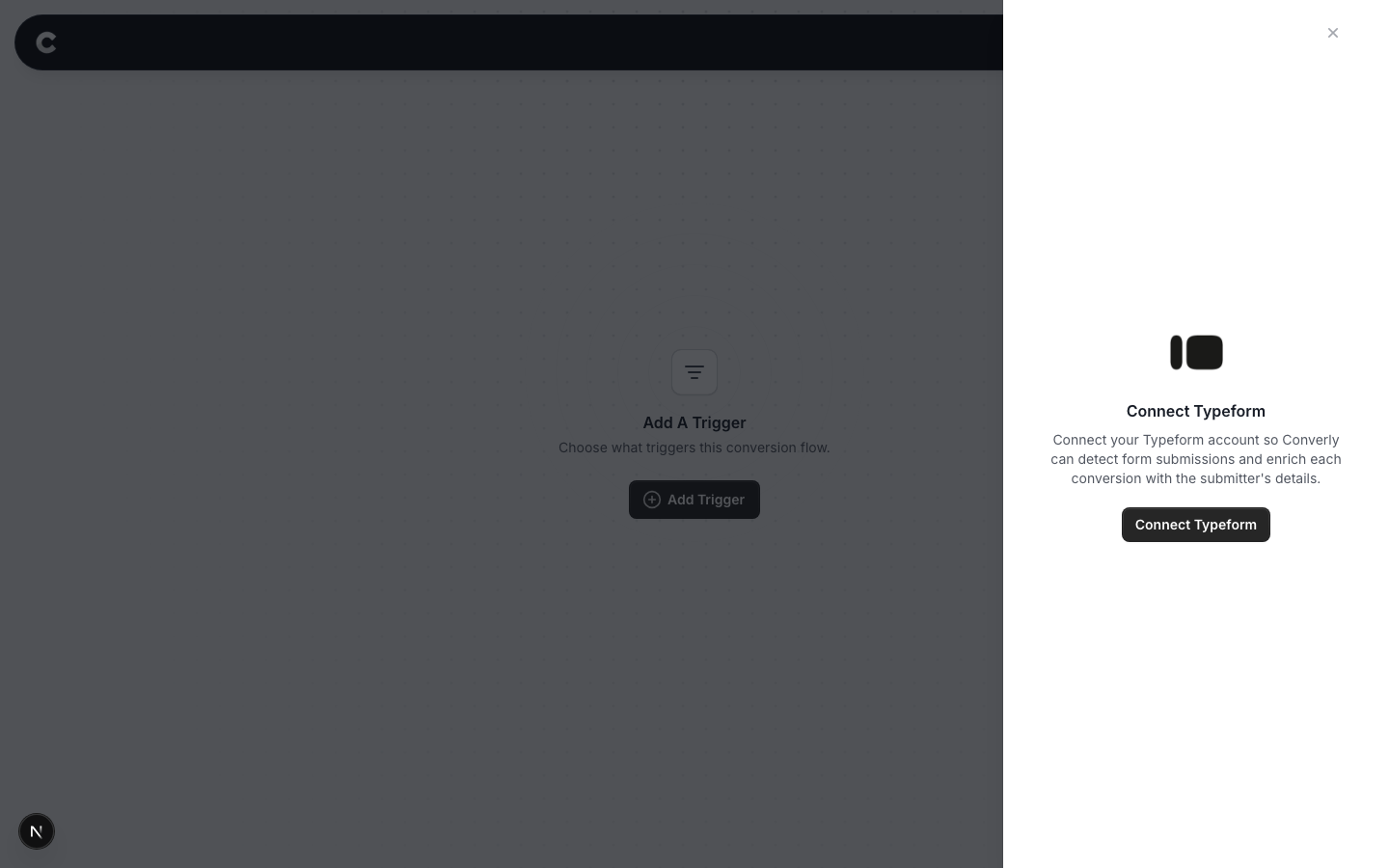
The first time you use Typeform, Converly asks you to connect it. This is what lets Converly see your form submissions and the details of who submitted.
Click Connect Typeform. A Typeform window opens and asks you to authorize Converly. Sign in if needed, then approve it. The window closes and you come back here, now connected.
Connect the right workspace
Authorize the Typeform workspace your forms actually live in. If your forms are in a different workspace, reconnect and choose the correct one.
Step 4: Choose which forms count
Now you decide which Typeform submissions should fire a conversion.
By default the dropdown is set to Always trigger this conversion flow, which counts every submission across all your forms. To only count certain forms, change it to A specific form is selected, then tick the forms that matter.
For example, if only your "Request a quote" form represents a real lead, tick that one and leave the others unticked. A newsletter signup will then be ignored. You can tick more than one.
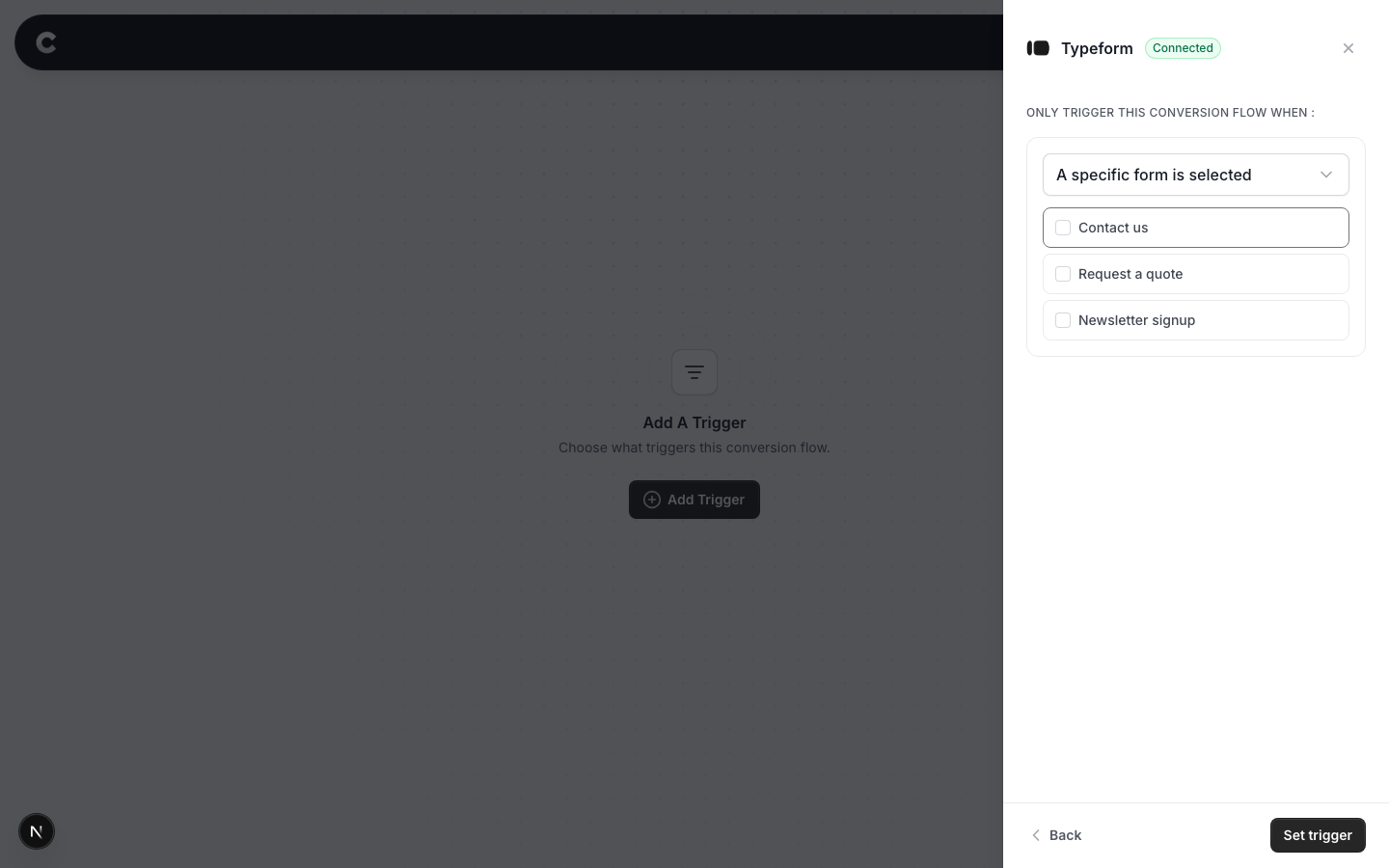
When you are happy, click Set trigger.
What happens next
A trigger on its own does not send anything yet. Next you add one or more destinations (Google Ads, Meta, and so on) and publish the flow. See Building a flow for that part.
If submissions are not showing up later, check that the right forms are still ticked on the trigger, that the flow is set to Active rather than Draft, and that Typeform is still connected on the Integrations tab under Settings.